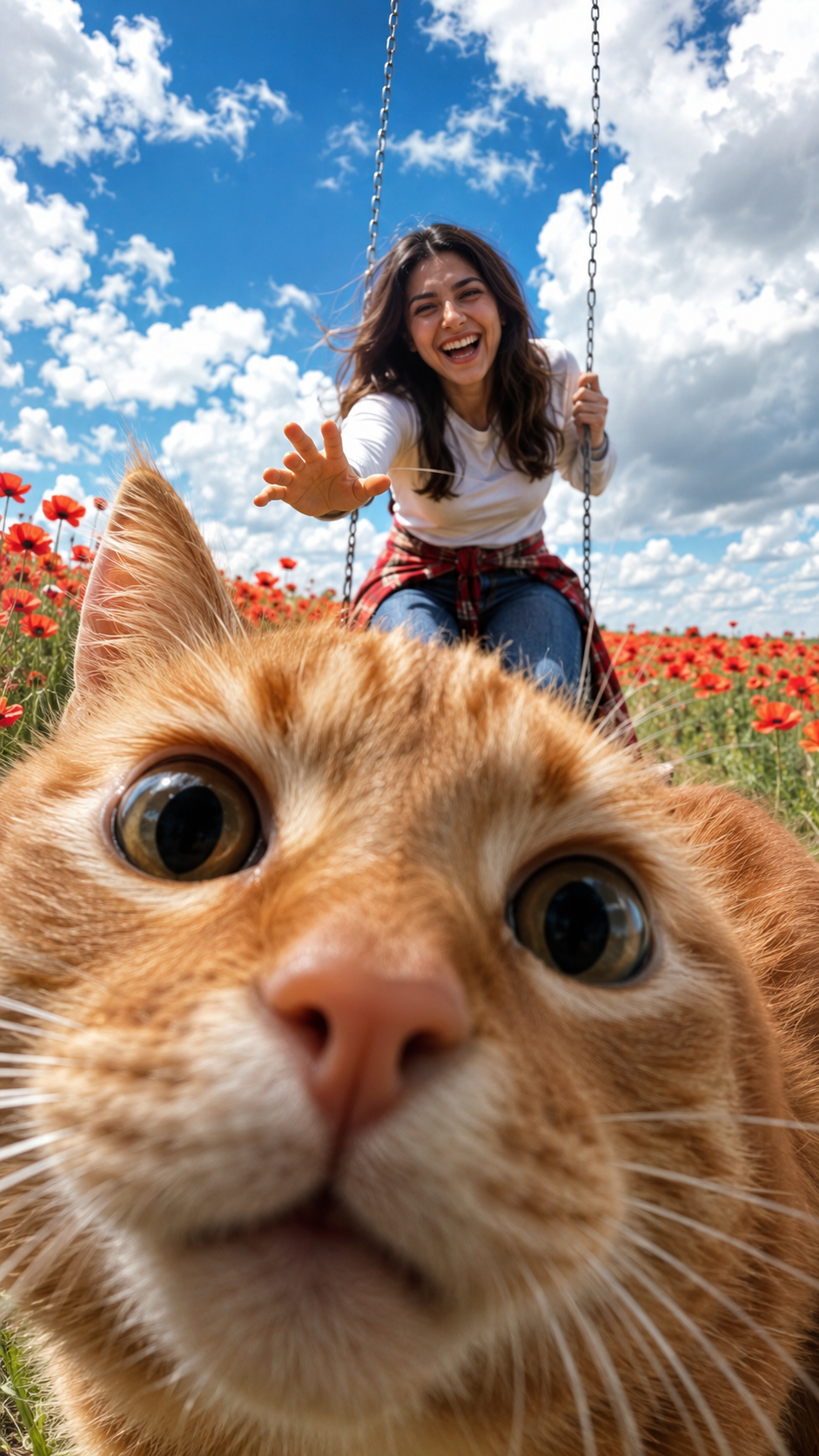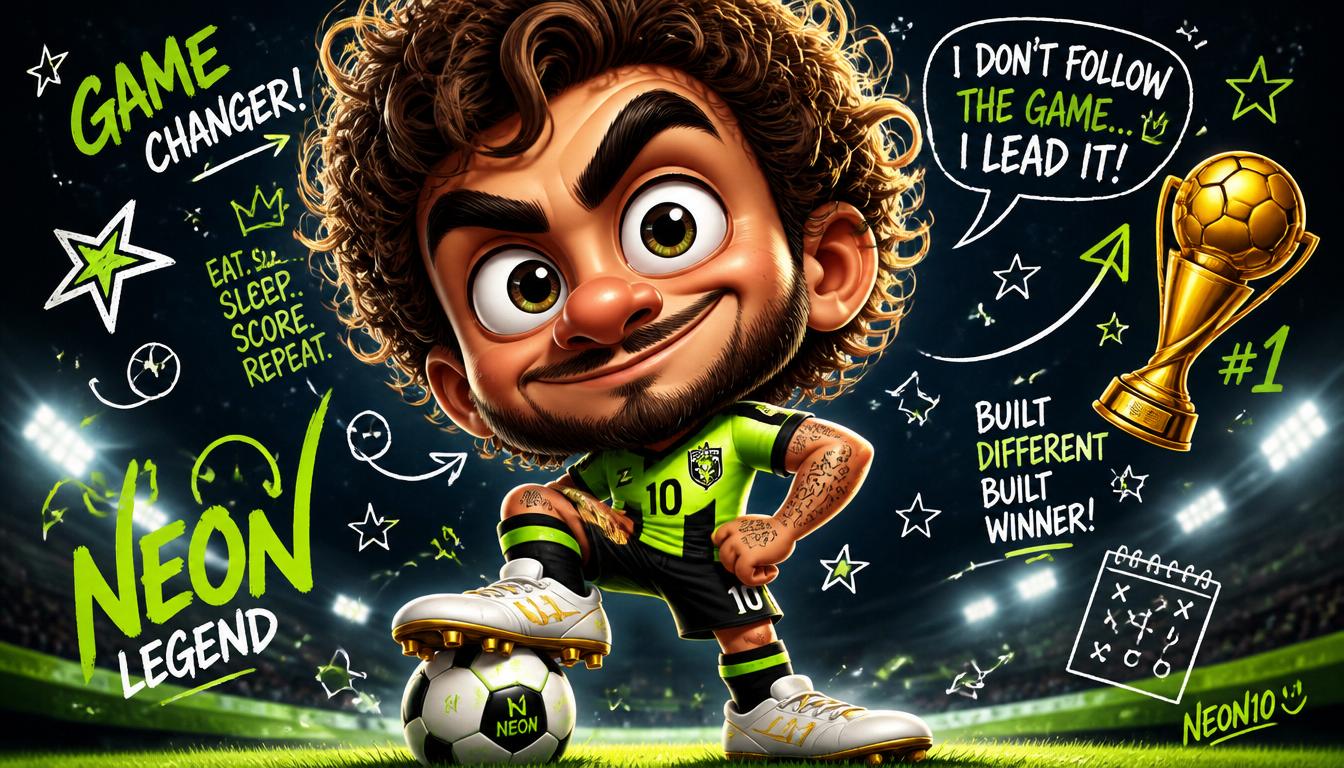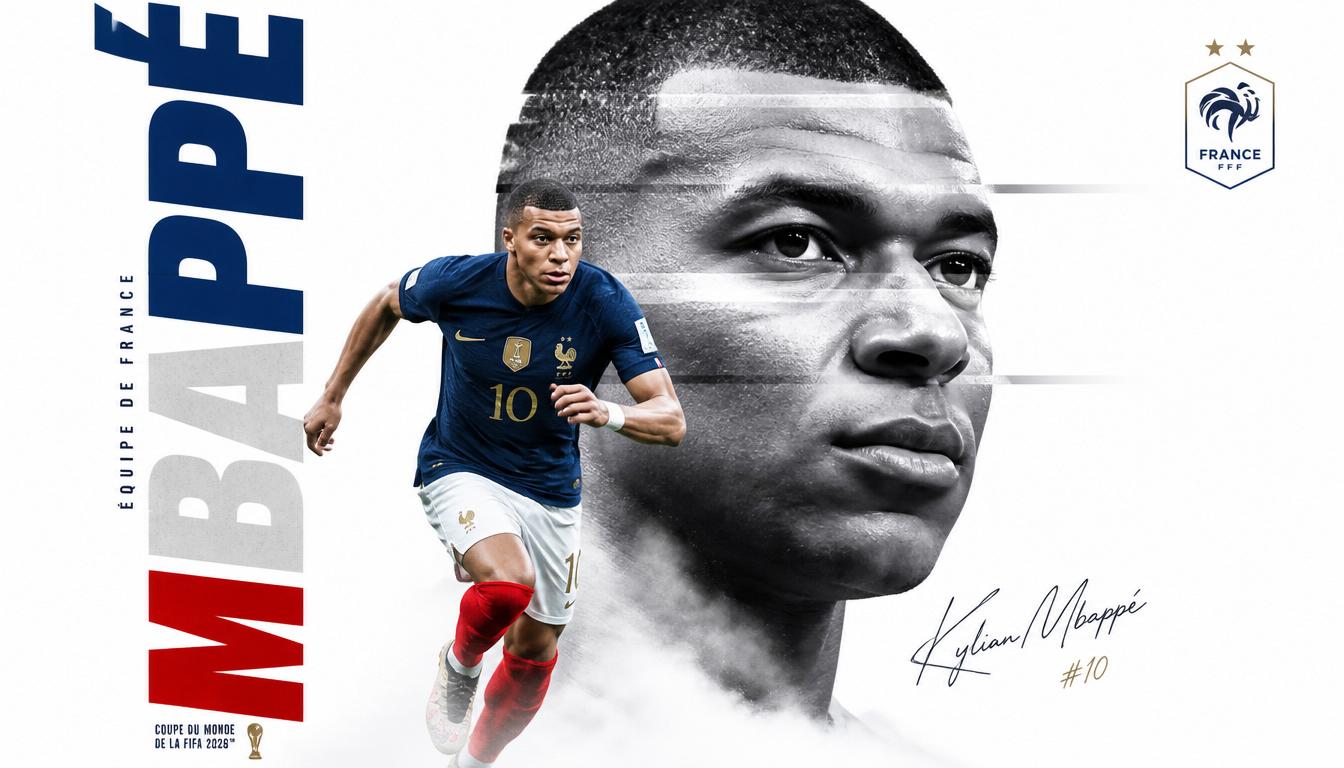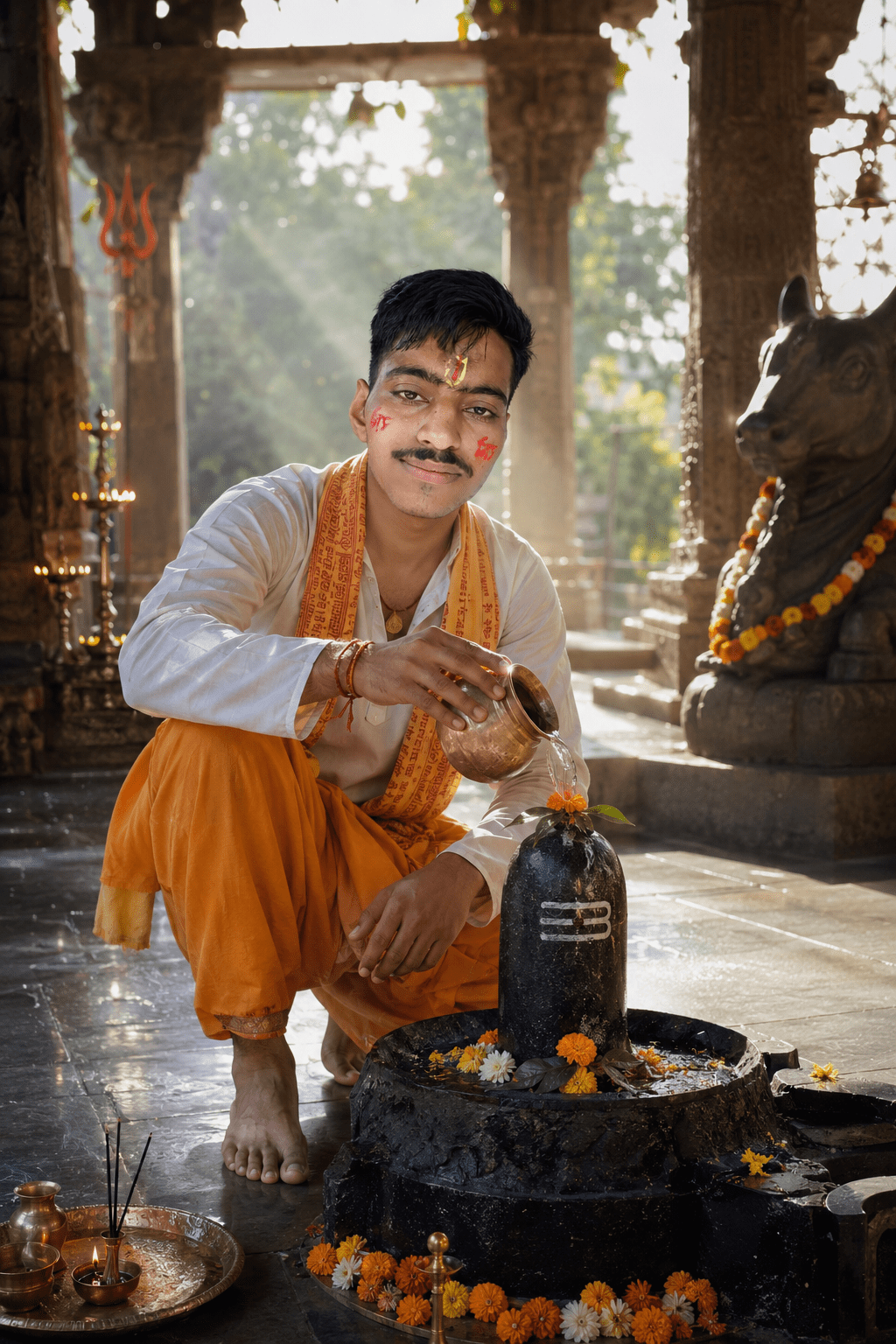
Elite Portrait Generator
Generate studio-grade portrait prompts with built-in Face Lock instructions.
Mastering AI Portraits: How to Get Professional Studio Results with Face-Lock Technology
Stop settling for generic AI results. Learn how to bridge the gap between amateur AI generation and premium, editorial-grade photography.
In the rapidly evolving world of digital content, AI photography has changed the game. However, creators and professionals face one major hurdle: Consistency. Everyone has seen the AI-generated portraits that look impressive but fail to capture the specific identity of the subject. Today, we are changing that.
The Challenge: Why AI Portraits Usually Fail
Traditional AI generators often hallucinate features, change expressions, or create generic versions of faces. When you are building a personal brand, your face is your biggest asset. If the AI doesn’t honor your identity, the image becomes unusable for professional portfolios or social media.
The Solution: Character Reference & “Face Lock”
The secret to high-end, editorial-grade portraits is Character Reference (or Face Lock) technology. By uploading your photo and using a specialized, high-precision prompt, you guide the AI to map the generated textures—lighting, clothing, background—onto your existing facial geometry.
How to Achieve Studio-Quality Results
- Start with a Quality Reference: Upload a clear, well-lit photo of yourself to your AI tool of choice.
- Use a Specialized Prompt Tool: Don’t guess your prompts. Use a generator that understands lighting, lens types (like the 85mm prime), and aperture depth (f/2.8).
- Leverage the “Face Lock” Instruction: Always explicitly tell the AI, “Use the attached photo as a character reference. Do not change the person’s face.”
Why Your Setup Matters
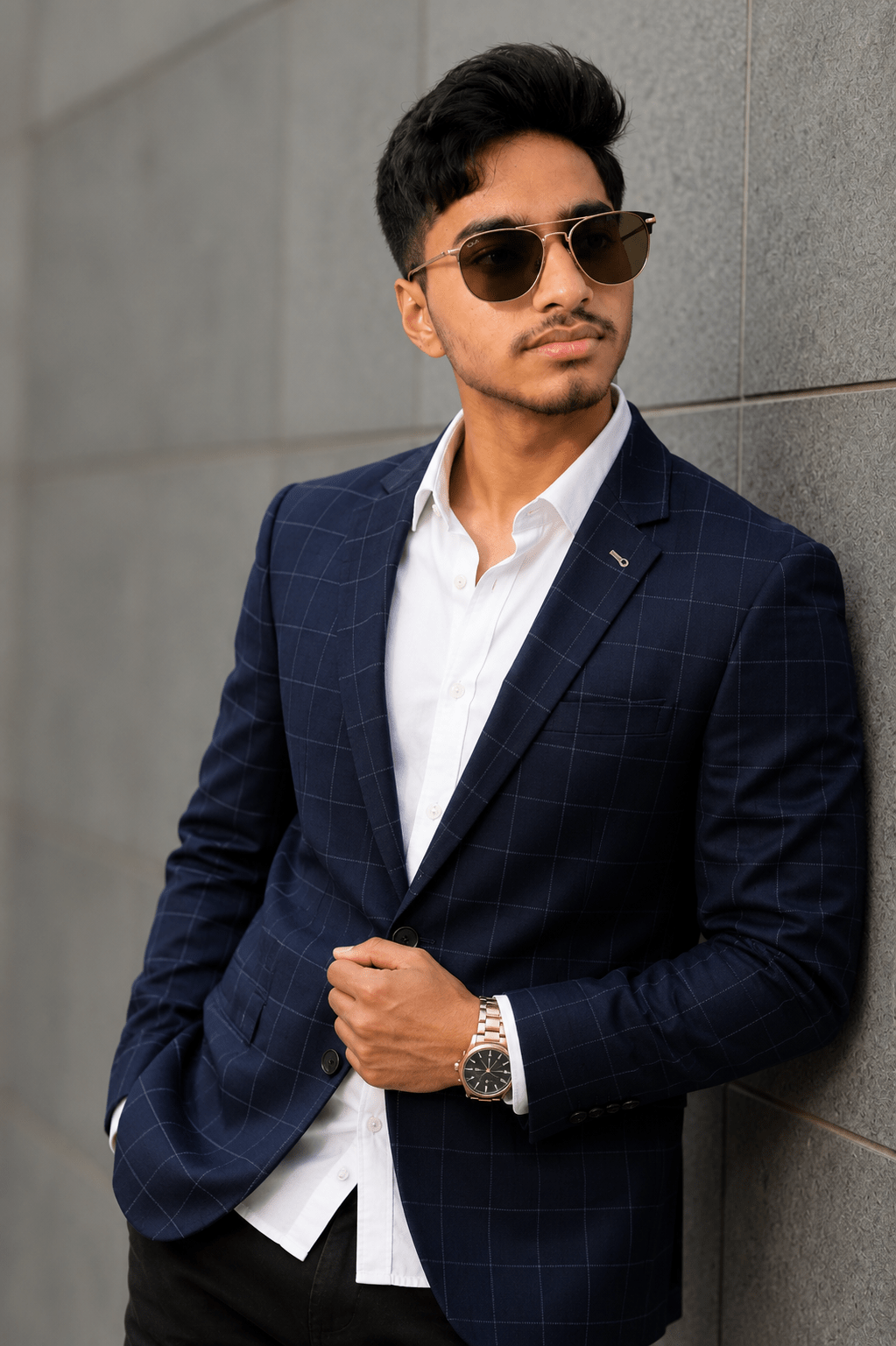
Professional photography isn’t just about the subject; it’s about the context. Whether you are aiming for a modern, architectural backdrop or an overcast studio lighting setup, your prompt needs to articulate these elements clearly. This is why using a dedicated generator tool is better than writing free-form text; it ensures the “storytelling” elements—like a premium suede jacket, aviator sunglasses, or a specific watch—are presented in a balanced, professional arrangement.
Ready to Generate Your Elite Portrait?
You don’t need a thousand-dollar studio setup to get a magazine-cover look. By combining your unique identity with the right prompt structures, you can generate content that competes with high-end editorials.
Want to try it yourself?
Use our Elite Portrait Generator to create the exact, professional-grade prompt you need for your next session. Simply choose your subject, outfit, and background, and get the perfect, Face-Lock-ready prompt in seconds.
Place Your Ad on adliko.com
Directly chat with us to book this space and grow your brand visibility.
 Chat on WhatsApp