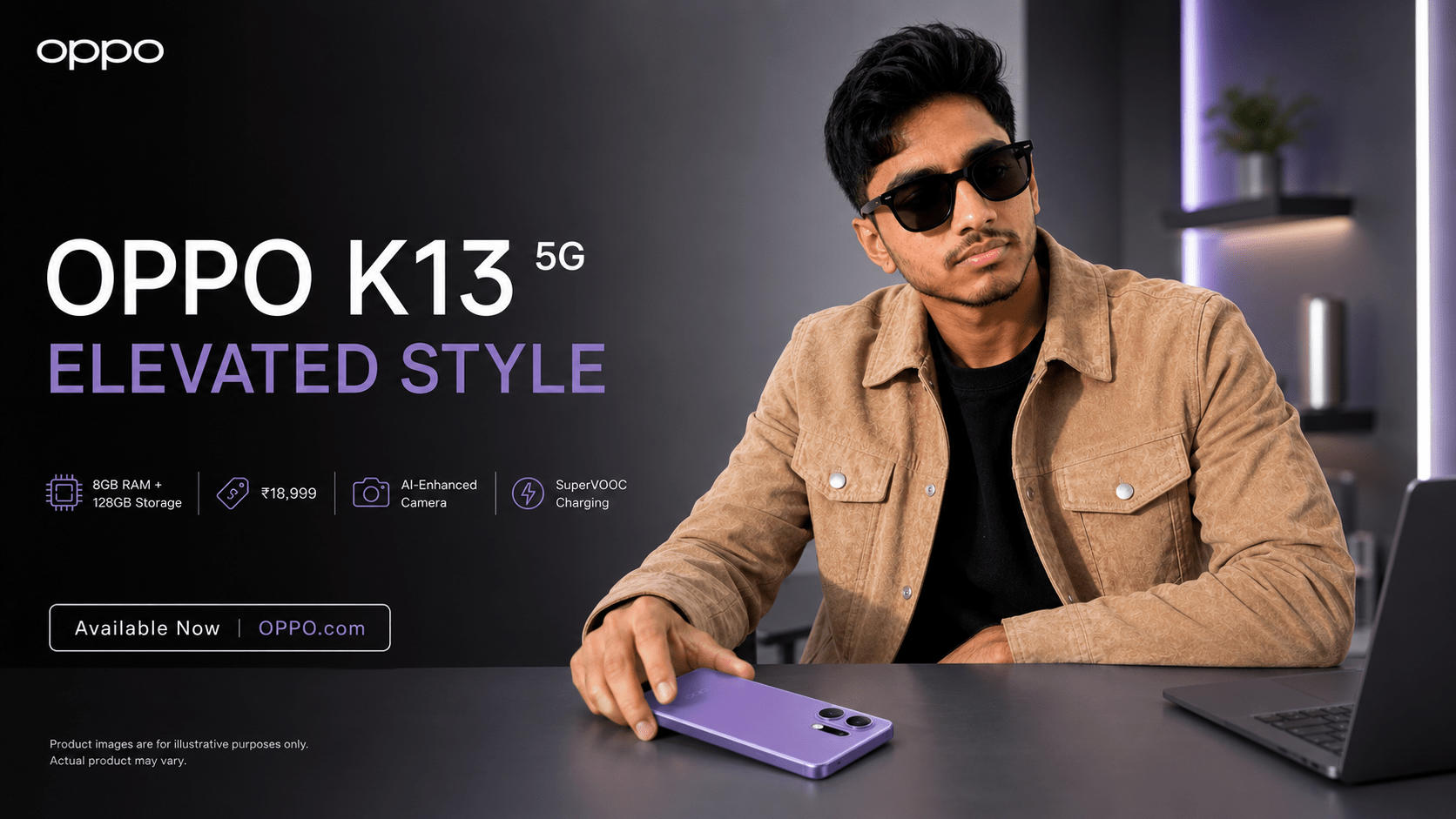
How to Create Professional OPPO K13 5G Ads with AI
The launch of the OPPO K13 5G is a major marketing opportunity. To stand out, brands are moving away from stock imagery and toward AI-driven “Subject-Lock” photography. This allows you to maintain perfect brand consistency while generating endless, high-conversion visual assets.
Why Subject-Lock Matters
When using AI for tech marketing, you face two primary challenges: product design fidelity and facial consistency for brand ambassadors. Our Subject-Lock (Face-Lock) workflow solves this by using your existing, high-quality photos as an “Anchor Image.” This ensures the AI respects the OPPO K13 5G’s specific design lines and keeps your talent looking identical in every shot.
Your Professional Workflow
- The Anchor: Upload a high-resolution, well-lit photo of the OPPO K13 5G or your brand ambassador.
- The Prompt: Use technical terms like “high-key studio lighting” and “editorial tech photography” to guide the AI.
- The Lock: Apply the critical directive to use your anchor photo as the source of truth for all facial and product details.
OPPO K13 5G Ad Generator
Generate professional marketing prompts with Face-Lock technology.
Place Your Ad on adliko.com
Directly chat with us to book this space and grow your brand visibility.
 Chat on WhatsApp